How to download the Fencing at the Olympics template for Powerpoint
1. On this same page, scroll down to the download block until you see the buttons. 2. Click on the button below the presentation features that says 'Download Fencing at the Olympics as a Free PowerPoint template'. 3. Once done it will start downloading a .pptx file that you can edit in PowerPoint. 4. If we do not have the powerpoint file we will direct you to the original source so you can download it. 5. If the fonts used in the template are not on your computer, you should download and install them for the template to display correctly. You can find the fonts in the original font link. 6.Source:presentationgo.com
How to download the template Fencing at the Olympics in Google Slides
1. Just like the powerpoint version, scroll to the bottom of the template features. 2. You can now click on the button that says 'Use Fencing at the Olympics as a Google Slides theme'. 3. A new window will open with a larger preview. If you want to use the template, click the Use template button in the upper right corner. 4. A copy of the document will be added to your Google Drive account and you will be able to edit, add or delete slides.
Preview
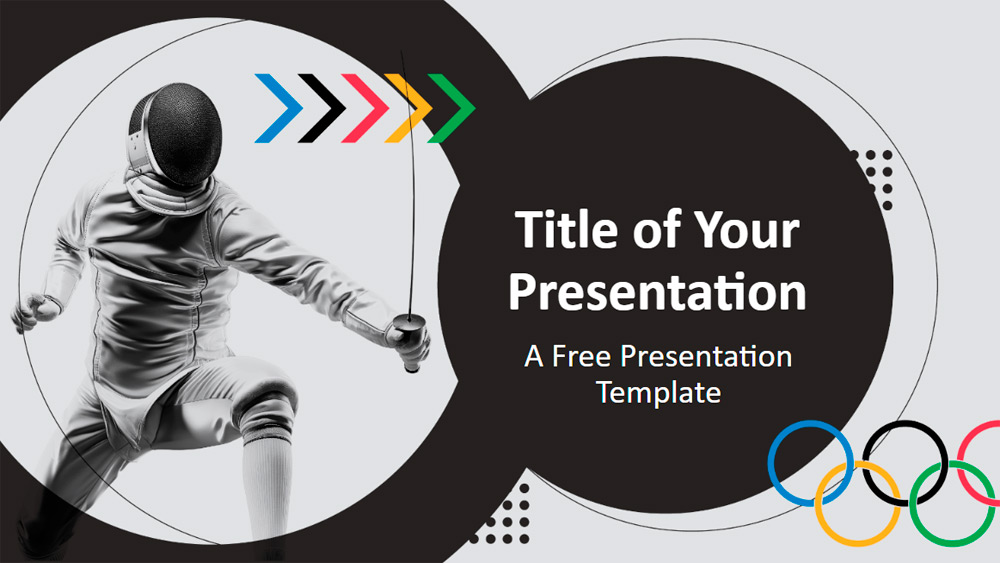
This engaging sports-themed template uses energetic imagery and a bold color palette to capture attention. It highlights the excitement of fencing with illustrations of fencers in action on simple backgrounds, combined with bright geometric accents like circles and chevrons. The strong contrast between neutral tones and pops of vivid color reflects the intensity and speed of this sport. It's versatile: coaches and trainers can break down fencing strategies, athletes can showcase their achievements, and event organizers can promote fencing tournaments or related activities. Educators can use it to teach fencing classes, while motivational speakers can use it to inspire by comparing fencing to life's challenges. It's easily customizable via the slide master, as you can change the text, colors, or images to suit your content needs. The set includes six main slides and one additional slide for color and font options, all designed for easy editing and quick adaptation. There are also handy placeholders for text and images, suitable for thank yous or contact information. The template works in widescreen format and is compatible with both PowerPoint and Google Slides, making it flexible for a variety of presentations.
Download the PowerPoint template or Google Slides theme Fencing at the Olympics free of charge. With this template you can create presentations inspirational, creative, sport. This theme includes the color white, black.
Features
- 6 slides with color palette.
- Editable via Slide Master.
- Placeholders for text and images.
- Widescreen layout.
- For PowerPoint and Google Slides.