How to download the Food & Beverage Meeting template for Powerpoint
1. On this same page, scroll down to the download block until you see the buttons. 2. Click on the button below the presentation features that says 'Download Food & Beverage Meeting as a Free PowerPoint template'. 3. Once done it will start downloading a .pptx file that you can edit in PowerPoint. 4. If we do not have the powerpoint file we will direct you to the original source so you can download it. 5. If the fonts used in the template are not on your computer, you should download and install them for the template to display correctly. You can find the fonts in the original font link. 6.Source:slidesgo.com
How to download the template Food & Beverage Meeting in Google Slides
1. Just like the powerpoint version, scroll to the bottom of the template features. 2. You can now click on the button that says 'Use Food & Beverage Meeting as a Google Slides theme'. 3. A new window will open with a larger preview. If you want to use the template, click the Use template button in the upper right corner. 4. A copy of the document will be added to your Google Drive account and you will be able to edit, add or delete slides.
Preview
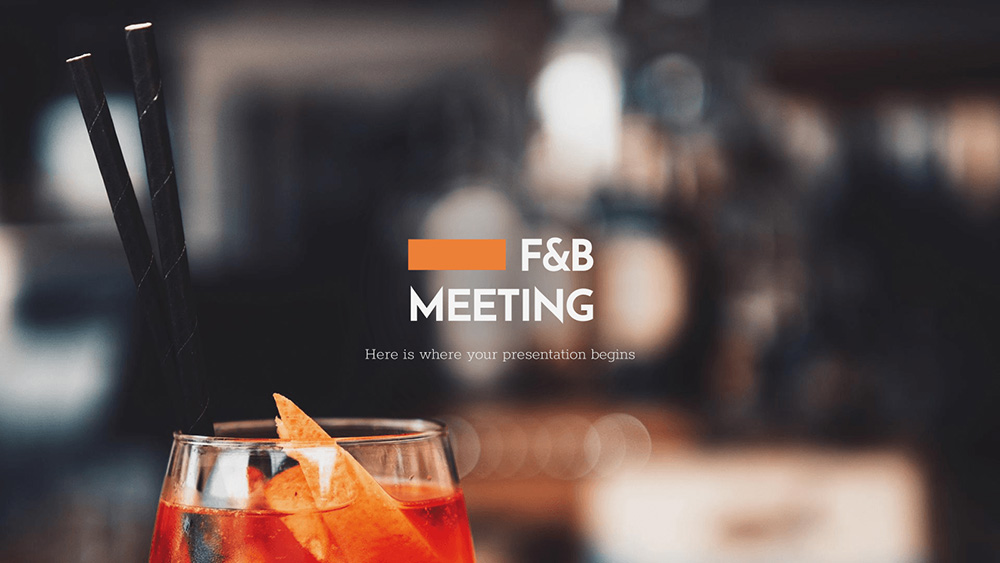
If you need to have a presentation ready for your next meeting, this new free presentation template is perfect for you. It focuses on food and beverages, so restaurant businesses, caterers, hotels and the like can make the most of these slides, with many customizable resources for your use.
How many times have you heard that pictures are worth a thousand words? They are one of the best resources to illustrate concepts and draw attention, and that's why we've made sure to include some high quality ones. We have distributed them in several slides, where they are part of the different designs, giving variety to the presentation itself. The backgrounds are light gray, and there are some orange shapes here and there to have some contrast. You will have to mention things like the program, a project proposal, reports and statistics, and that's where our graphics and infographics come in. They are customizable, which means you can adapt them to match your own data. There are also icons that you can use to highlight information or to decorate. Plus, you'll find a nice collection of cocktail icons in our extra slides, just in case. As for the text, there is a sans font for the titles and a geometric serif font for the body of the text, which works better than you think! Download this elegant template and prepare the best mix of photos, data and wonders in a single Google Slides or PowerPoint presentation!
Download the PowerPoint template or Google Slides theme Food & Beverage Meeting free of charge. With this template you can create presentations simple, elegant, business. This theme includes the color black.
Features
- An attractive template with elegant photos and minimalist designs to organize your data
- 100% editable and easy to modify
- 22 different slides to impress your audience
- Contains easy-to-edit charts and maps
- Includes over 1000 icons and the Flaticon extension to customize your slides
- Designed to be used in Google Slides and Microsoft PowerPoint
- 16:9 widescreen format suitable for all types of screens
- Includes information on fonts, colors and credits of the free resources used