How to download the NETWORK template for Powerpoint
1. On this same page, scroll down to the download block until you see the buttons. 2. Click on the button below the presentation features that says 'Download NETWORK as a Free PowerPoint template'. 3. Once done it will start downloading a .pptx file that you can edit in PowerPoint. 4. If we do not have the powerpoint file we will direct you to the original source so you can download it. 5. If the fonts used in the template are not on your computer, you should download and install them for the template to display correctly. You can find the fonts in the original font link. 6.Source:showeet.com
How to download the template NETWORK in Google Slides
1. Just like the powerpoint version, scroll to the bottom of the template features. 2. You can now click on the button that says 'Use NETWORK as a Google Slides theme'. 3. A new window will open with a larger preview. If you want to use the template, click the Use template button in the upper right corner. 4. A copy of the document will be added to your Google Drive account and you will be able to edit, add or delete slides.
Preview
If you are looking for a unique, professional-looking presentation template with an extra modern twist, Network is for you!
The NETWORK template will allow you to focus solely on delivering quality content instead of design.
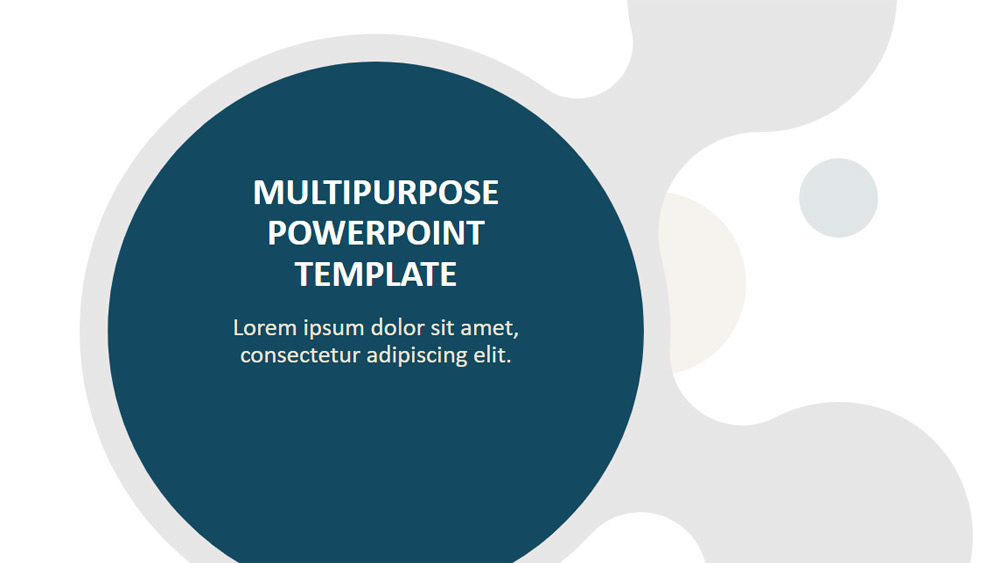
Although it uses a light background, NETWORK is a modern and exceptionally clean template. The design of each slide is an arrangement of chain links that create this beautiful high-tech "NETWORK" atmosphere.
NETWORK is loaded with 30 pre-made slides, ready for use. All custom designs are on the slide master. In just 1 click you can select the slide you need from a complete set of designs.
The formatting and styles (font, font size, placeholders, colors) of each slide are already formatted, optimized, and then very easy to use.
For example, all the design options with image placeholders will make your images or photos really stand out.
In addition, this template comes with a built-in color palette, so you can choose a color that matches very easily to create a very cohesive and harmonious look.
Finally, all the elements (shapes and background) of Network are fully editable. Therefore, you can really customize it even more to fit your needs or your corporate or brand identity.
NETWORK is ideal for professional and corporate business presentations. It will also be great for technology, social networking, marketing and management topics.
Download the PowerPoint template or Google Slides theme NETWORK free of charge. With this template you can create presentations business. This theme includes the color blue, white.
Features
- 30 unique, clean and professional pre-designed slides
- 30 custom master slide designs
- Fully editable content (graphics and text) via PowerPoint - no Photoshop required!
- All objects are 100% vectorial. Easy to customize style (e.g. fills, outlines, effects and scaling) without quality loss
- Drag-and-drop ready: Master design with image placeholders
- Aspect ratio: Widescreen (16:9)
- Formats: PowerPoint (.PPTX) - created with Microsoft PowerPoint 365 and optimized for Google Slides (see below)