How to download the Quotes template for Powerpoint
1. On this same page, scroll down to the download block until you see the buttons. 2. Click on the button below the presentation features that says 'Download Quotes as a Free PowerPoint template'. 3. Once done it will start downloading a .pptx file that you can edit in PowerPoint. 4. If we do not have the powerpoint file we will direct you to the original source so you can download it. 5. If the fonts used in the template are not on your computer, you should download and install them for the template to display correctly. You can find the fonts in the original font link. 6.Source:showeet.com
How to download the template Quotes in Google Slides
1. Just like the powerpoint version, scroll to the bottom of the template features. 2. You can now click on the button that says 'Use Quotes as a Google Slides theme'. 3. A new window will open with a larger preview. If you want to use the template, click the Use template button in the upper right corner. 4. A copy of the document will be added to your Google Drive account and you will be able to edit, add or delete slides.
Preview
Using quotes in a presentation is a powerful technique to make your message more memorable, to reinforce your claim or to support your story.
These free, creative and visually appealing PowerPoint templates are designed to highlight and emphasize your quotes.
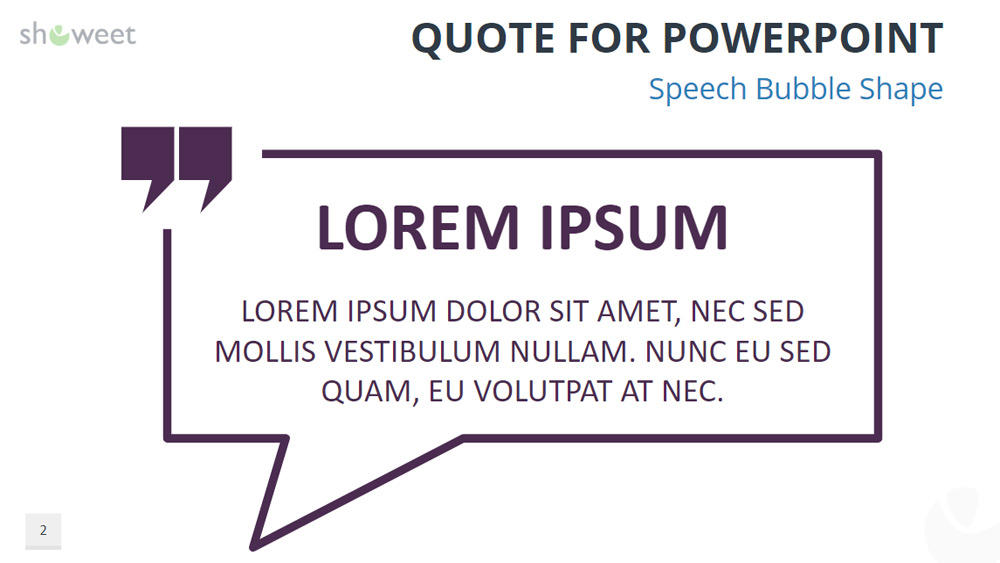
The free PPTX document contains a selection of 31 template slides tailor-made for your quotes, ready to be used "as is": from voice bubbles or calls to creative text boxes, origami bubbles, full page, with or without background photo...
The shapes and designs are completely editable and very easy to use: just replace the text "Lorem Ipsum" with your quote. And add the author if necessary.
Two sizes are available for your convenience: standard (screen ratio 4:3) and widescreen (16:9).
Download the PowerPoint template or Google Slides theme Quotes free of charge. With this template you can create presentations creative, playful. This theme includes the color multicolor.
Features
- 31 unique, clean and professional pre-designed slides
- Fully editable content (graphics and text) via PowerPoint - no Photoshop required!
- Aspect ratios: Standard (4:3), widescreen (16:9)
- Formatting: PowerPoint (.PPTX) - Designed with Microsoft PowerPoint 2016