How to download the Picanto template for Powerpoint
1. On this same page, scroll down to the download block until you see the buttons. 2. Click on the button below the presentation features that says 'Download Picanto as a Free PowerPoint template'. 3. Once done it will start downloading a .pptx file that you can edit in PowerPoint. 4. If we do not have the powerpoint file we will direct you to the original source so you can download it. 5. If the fonts used in the template are not on your computer, you should download and install them for the template to display correctly. You can find the fonts in the original font link. 6.Source:hislide.io
How to download the template Picanto in Google Slides
1. Just like the powerpoint version, scroll to the bottom of the template features. 2. You can now click on the button that says 'Use Picanto as a Google Slides theme'. 3. A new window will open with a larger preview. If you want to use the template, click the Use template button in the upper right corner. 4. A copy of the document will be added to your Google Drive account and you will be able to edit, add or delete slides.
Preview
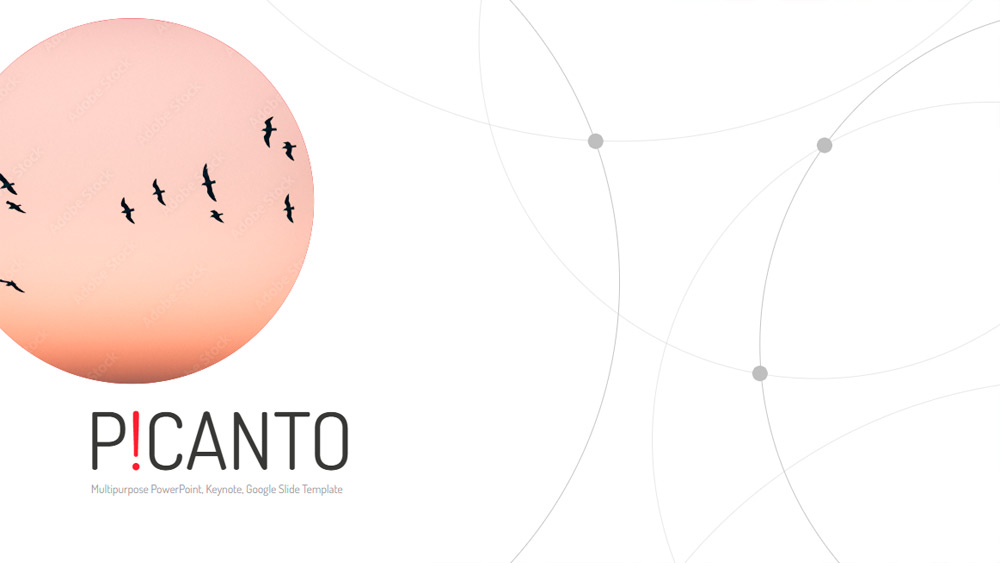
In today's digital world, an effective presentation depends as much on style as on interaction, and the Picanto template helps you achieve both. Designed for Google Slides, PowerPoint, and Keynote, it offers a striking red design along with 27 flexible slides suitable for business presentations, classes, or creative projects. The design includes eye-catching details, animated and static options, easy drag-and-drop image placement, and fully editable layouts for quick customization. You also get five pre-made color palettes—red, blue, green, orange, and purple—and the free Dosis font for a polished look. Free to download for both commercial and personal use, this versatile template combines convenience, professionalism, and visual impact in one easy-to-use package.
Download the PowerPoint template or Google Slides theme Picanto free of charge. With this template you can create presentations creative, simple, elegant. This theme includes the color white.
Features
- 27 unique slides for varied presentations
- Eye-catching and vibrant design with animated and static options
- Easy image insertion via drag and drop
- Fully editable slides
- 5 color palettes: red, blue, green, orange, and purple
- Includes the free "Dosis" font from Google Fonts