How to download the Glow Party template for Powerpoint
1. On this same page, scroll down to the download block until you see the buttons. 2. Click on the button below the presentation features that says 'Download Glow Party as a Free PowerPoint template'. 3. Once done it will start downloading a .pptx file that you can edit in PowerPoint. 4. If we do not have the powerpoint file we will direct you to the original source so you can download it. 5. If the fonts used in the template are not on your computer, you should download and install them for the template to display correctly. You can find the fonts in the original font link. 6.Source:presentationgo.com
How to download the template Glow Party in Google Slides
1. Just like the powerpoint version, scroll to the bottom of the template features. 2. You can now click on the button that says 'Use Glow Party as a Google Slides theme'. 3. A new window will open with a larger preview. If you want to use the template, click the Use template button in the upper right corner. 4. A copy of the document will be added to your Google Drive account and you will be able to edit, add or delete slides.
Preview
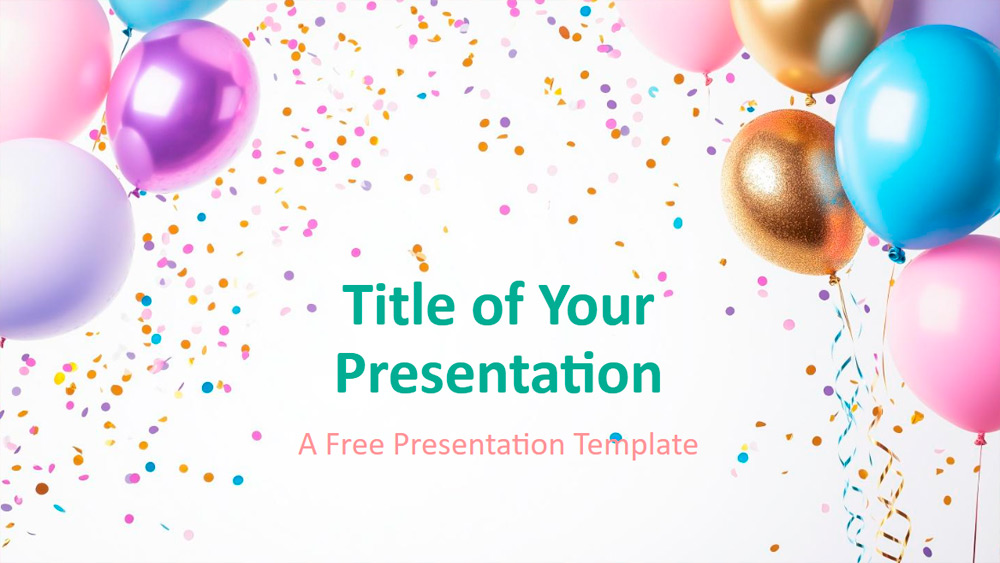
This template features eye-catching balloon arrangements with vibrant and varied designs on every slide. Gold accents are paired with soft pastel tones, and confetti elements add a sense of movement and celebration, while the clean white background keeps the overall design elegant and easy to read. Each slide offers a different perspective, from close-ups of the balloons to wider scenes of the event, making the presentation visually engaging. It works great for party announcements, store anniversaries, product launches, classroom celebrations, employee recognition events, birthdays, and other special occasions. The presentation includes six main slides plus an additional slide for color and font styles, all in widescreen format with editable text and image placeholders. The master slide tools make customization easy, and the thank you slide includes a space for a photo to add a personal touch.
Download the PowerPoint template or Google Slides theme Glow Party free of charge. With this template you can create presentations creative, simple, playful. This theme includes the color blue, purple, pink.
Features
- 6 slides plus a color palette slide
- Easy editing with the master template
- Includes placeholders for text and images
- Widescreen format
- Works in PowerPoint and Google Slides