How to download the Student Targets template for Powerpoint
1. On this same page, scroll down to the download block until you see the buttons. 2. Click on the button below the presentation features that says 'Download Student Targets as a Free PowerPoint template'. 3. Once done it will start downloading a .pptx file that you can edit in PowerPoint. 4. If we do not have the powerpoint file we will direct you to the original source so you can download it. 5. If the fonts used in the template are not on your computer, you should download and install them for the template to display correctly. You can find the fonts in the original font link. 6.Source:slidescarnival.com
How to download the template Student Targets in Google Slides
1. Just like the powerpoint version, scroll to the bottom of the template features. 2. You can now click on the button that says 'Use Student Targets as a Google Slides theme'. 3. A new window will open with a larger preview. If you want to use the template, click the Use template button in the upper right corner. 4. A copy of the document will be added to your Google Drive account and you will be able to edit, add or delete slides.
Preview
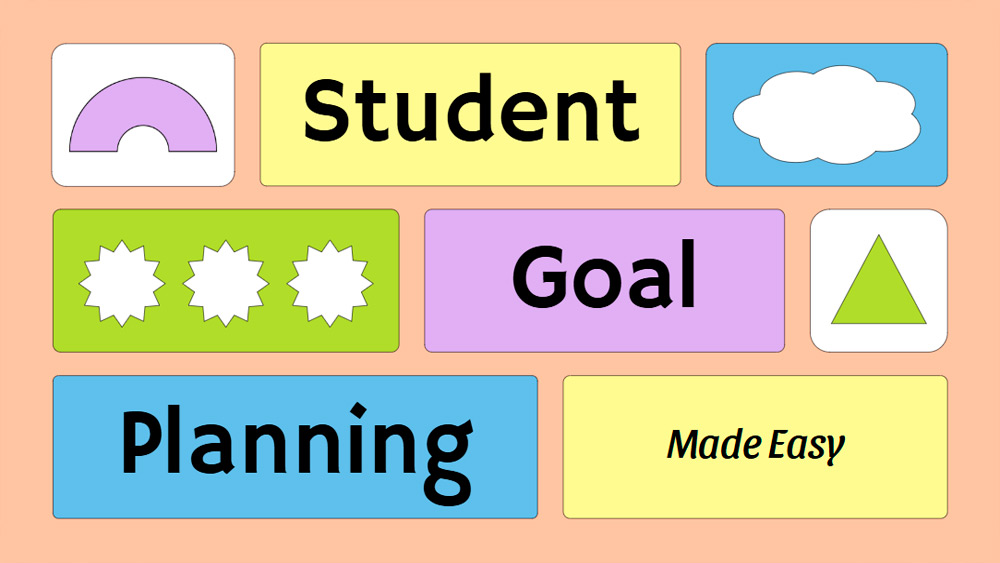
Support your academic goals with this colorful student goal-setting presentation template, created for ambitious students who want to plan and achieve their dreams. Designed for PowerPoint and Google Slides, it combines vibrant shades of yellow and purple with clean, modern shapes for a polished and engaging look. Use it to organize your educational objectives, outline the steps to take, and track progress throughout the semester or over the long term. Easy to customize and simple to present, this template helps you share your plans with clarity and confidence while keeping your audience engaged. It's a practical choice for students who want a professional presentation with style and a clear purpose.
Download the PowerPoint template or Google Slides theme Student Targets free of charge. With this template you can create presentations inspirational, creative, simple, educational. This theme includes the color blue, green, yellow.
Features
- 15 ready-to-use, fully customizable 16:9 presentation templates
- Hundreds of graphics, frames, lines, and shapes
- Easy animation and transition tools for each poster
- Easy download and sharing in multiple formats