How to download the Mastering Learning template for Powerpoint
1. On this same page, scroll down to the download block until you see the buttons. 2. Click on the button below the presentation features that says 'Download Mastering Learning as a Free PowerPoint template'. 3. Once done it will start downloading a .pptx file that you can edit in PowerPoint. 4. If we do not have the powerpoint file we will direct you to the original source so you can download it. 5. If the fonts used in the template are not on your computer, you should download and install them for the template to display correctly. You can find the fonts in the original font link. 6.Source:presentationgo.com
How to download the template Mastering Learning in Google Slides
1. Just like the powerpoint version, scroll to the bottom of the template features. 2. You can now click on the button that says 'Use Mastering Learning as a Google Slides theme'. 3. A new window will open with a larger preview. If you want to use the template, click the Use template button in the upper right corner. 4. A copy of the document will be added to your Google Drive account and you will be able to edit, add or delete slides.
Preview
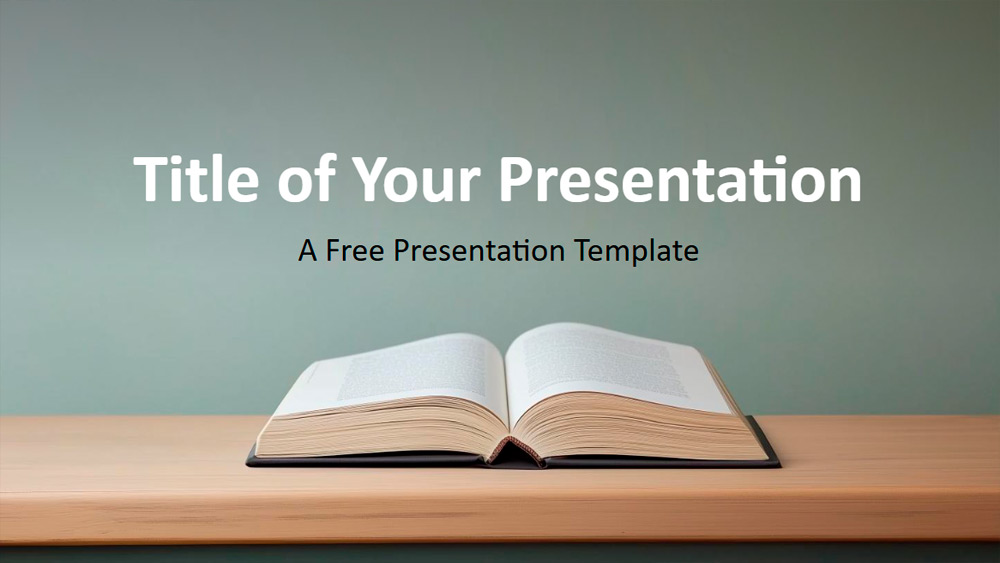
This presentation template features an illustration of an open book on a light wood surface against a soft green background, giving it a calm and scholarly feel. Its earthy tones and simple design promote concentration, making it ideal for academic or contemplative content. Suitable for educators designing lessons, authors preparing book talks, trainers leading workshops, or librarians promoting programs, the template is versatile. Researchers can also use it to share their academic findings. It includes six customizable slides, easy editing options, and placeholders for text and images, as well as a color palette slide. The widescreen format works with both PowerPoint and Google Slides, allowing for easy customization to suit any theme.
Download the PowerPoint template or Google Slides theme Mastering Learning free of charge. With this template you can create presentations formal, inspirational, simple, elegant. This theme includes the color brown.
Features
- 6 slides plus a color palette.
- Easy editing with Slide Master.
- Placeholders for text and images included.
- Widescreen layout.
- Compatible with PowerPoint and Google Slides.