How to download the Icy Abyss template for Powerpoint
1. On this same page, scroll down to the download block until you see the buttons. 2. Click on the button below the presentation features that says 'Download Icy Abyss as a Free PowerPoint template'. 3. Once done it will start downloading a .pptx file that you can edit in PowerPoint. 4. If we do not have the powerpoint file we will direct you to the original source so you can download it. 5. If the fonts used in the template are not on your computer, you should download and install them for the template to display correctly. You can find the fonts in the original font link. 6.Source:presentationgo.com
How to download the template Icy Abyss in Google Slides
1. Just like the powerpoint version, scroll to the bottom of the template features. 2. You can now click on the button that says 'Use Icy Abyss as a Google Slides theme'. 3. A new window will open with a larger preview. If you want to use the template, click the Use template button in the upper right corner. 4. A copy of the document will be added to your Google Drive account and you will be able to edit, add or delete slides.
Preview
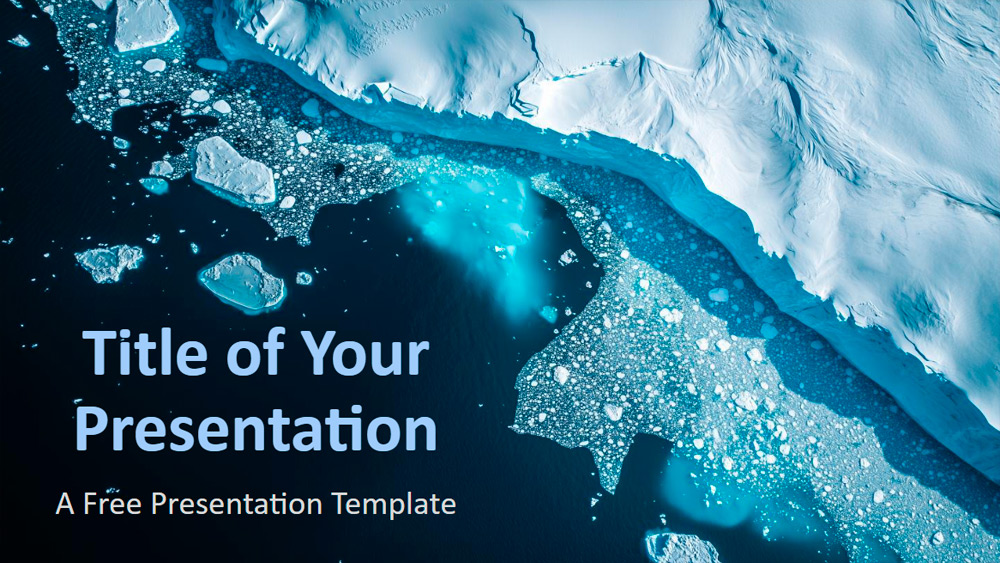
This template features stunning aerial images of the polar regions, combining deep blues, bright whites, and turquoise gradients to create a striking look. Each slide highlights dramatic landscapes where snow and icy water meet, with floating icebergs adding a sense of wild and remote beauty. Designed to convey seriousness and reflection, it's perfect for formal topics or discussions that require a contemplative tone. Versatile enough for scientists, explorers, educators, or corporate presenters, it works well for topics such as conservation, climate change, innovation, or geography. The six-slide set includes a color and font guide, plus a thank-you slide with editable placeholders, all in widescreen format and fully compatible with PowerPoint and Google Slides for easy customization.
Download the PowerPoint template or Google Slides theme Icy Abyss free of charge. With this template you can create presentations creative, simple, elegant. This theme includes the color blue.
Features
- 6 slides plus a color palette slide.
- Easy editing via the slide master.
- Includes placeholders for text and images.
- Widescreen format.
- Compatible with PowerPoint and Google Slides.