How to download the Religious Cross template for Powerpoint
1. On this same page, scroll down to the download block until you see the buttons. 2. Click on the button below the presentation features that says 'Download Religious Cross as a Free PowerPoint template'. 3. Once done it will start downloading a .pptx file that you can edit in PowerPoint. 4. If we do not have the powerpoint file we will direct you to the original source so you can download it. 5. If the fonts used in the template are not on your computer, you should download and install them for the template to display correctly. You can find the fonts in the original font link. 6.Source:slidesgo.com
How to download the template Religious Cross in Google Slides
1. Just like the powerpoint version, scroll to the bottom of the template features. 2. You can now click on the button that says 'Use Religious Cross as a Google Slides theme'. 3. A new window will open with a larger preview. If you want to use the template, click the Use template button in the upper right corner. 4. A copy of the document will be added to your Google Drive account and you will be able to edit, add or delete slides.
Preview
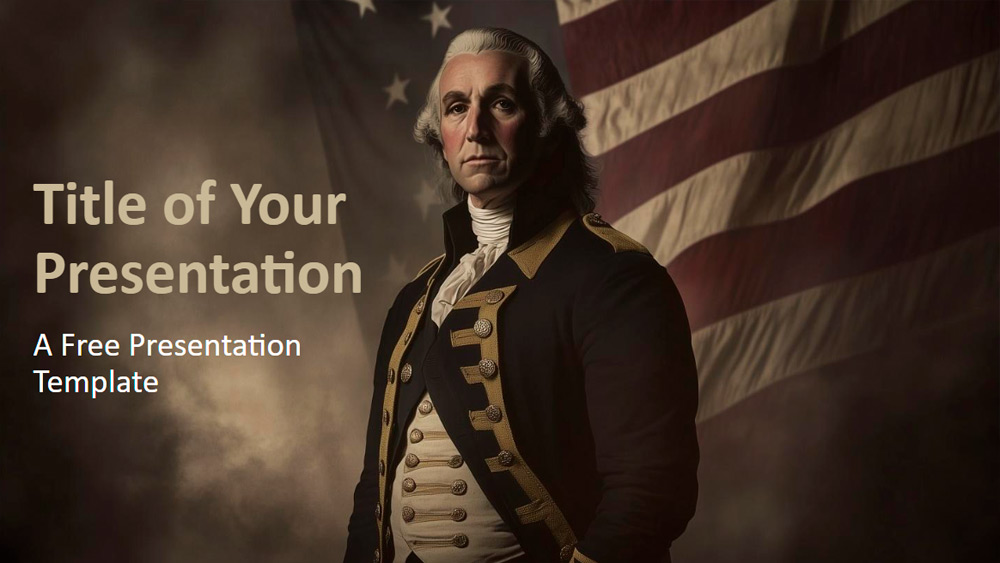
Get the Christian Cross background theme for education slides for PowerPoint or Google Slides. The field of education always needs engaging and impactful methods to convey knowledge. This design is specifically designed to meet that demand. By providing top-notch tools, it allows teachers or students to effectively organize their presentations and captivate their audience. With its intuitive and beneficial elements, people of all levels will discover its flexibility to adapt to their needs. Whether it's for a class lecture, a student assignment, or administrative tasks, this design offers a different answer for every situation.
Download the PowerPoint template or Google Slides theme Religious Cross free of charge. With this template you can create presentations formal, inspirational, creative, educational. This theme includes the color brown.
Features
- 100% customizable and easy to modify
- Variety of slides to captivate your viewers
- Incorporates easily modifiable visual elements such as graphs, maps, tables, timelines and prototypes
- Offers over 500 icons and the option to customize your slides with the Flaticon extension
- Optimized for use in Google Slides and Microsoft PowerPoint
- Provides details on fonts, colors, and attributions of materials used