How to download the German Food and Beverage Terminology template for Powerpoint
1. On this same page, scroll down to the download block until you see the buttons. 2. Click on the button below the presentation features that says 'Download German Food and Beverage Terminology as a Free PowerPoint template'. 3. Once done it will start downloading a .pptx file that you can edit in PowerPoint. 4. If we do not have the powerpoint file we will direct you to the original source so you can download it. 5. If the fonts used in the template are not on your computer, you should download and install them for the template to display correctly. You can find the fonts in the original font link. 6.Source:slidesgo.com
How to download the template German Food and Beverage Terminology in Google Slides
1. Just like the powerpoint version, scroll to the bottom of the template features. 2. You can now click on the button that says 'Use German Food and Beverage Terminology as a Google Slides theme'. 3. A new window will open with a larger preview. If you want to use the template, click the Use template button in the upper right corner. 4. A copy of the document will be added to your Google Drive account and you will be able to edit, add or delete slides.
Preview
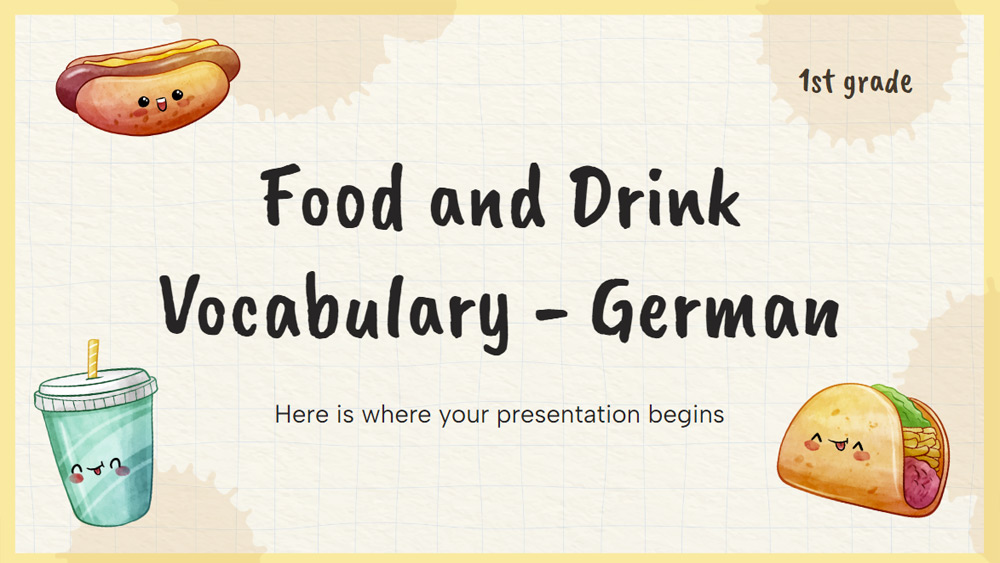
Get the 'German Food and Drink Vocabulary for 1st Graders' slideshow for PowerPoint or Google Slides and conveniently customize it to fit your own teaching plan. Perfectly suited for primary education, this captivating presentation features engaging visuals and appropriate fonts; components that capture the interest of students and improve the learning process. Establish a consistent visual style for your lessons and foster a sense of structure and familiarity with this editable PowerPoint template and Google Slides theme.
Download the PowerPoint template or Google Slides theme German Food and Beverage Terminology free of charge. With this template you can create presentations creative, educational. This theme includes the color brown.
Features
- Fully customizable and easy to adjust to your needs
- Variety of slides to captivate your viewers
- Composed of easy-to-alter visual aids such as graphs, maps, diagrams, schedules and mockups
- Includes over 500 symbols and the Flaticon plugin to customize your presentations
- Adapted for use in Google Slides and Microsoft PowerPoint
- Provides details on sources, colors, and attribution for all materials used.