How to download the Winter Festival template for Powerpoint
1. On this same page, scroll down to the download block until you see the buttons. 2. Click on the button below the presentation features that says 'Download Winter Festival as a Free PowerPoint template'. 3. Once done it will start downloading a .pptx file that you can edit in PowerPoint. 4. If we do not have the powerpoint file we will direct you to the original source so you can download it. 5. If the fonts used in the template are not on your computer, you should download and install them for the template to display correctly. You can find the fonts in the original font link. 6.Source:slidescarnival.com
How to download the template Winter Festival in Google Slides
1. Just like the powerpoint version, scroll to the bottom of the template features. 2. You can now click on the button that says 'Use Winter Festival as a Google Slides theme'. 3. A new window will open with a larger preview. If you want to use the template, click the Use template button in the upper right corner. 4. A copy of the document will be added to your Google Drive account and you will be able to edit, add or delete slides.
Preview
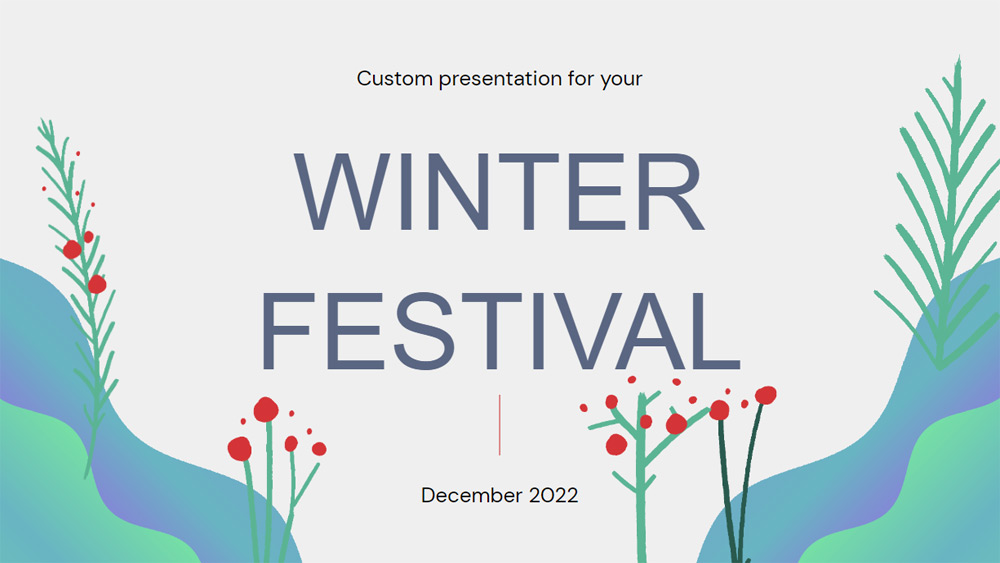
Celebrate the cozy season with a winter festival template, easy to use as a Google Slides template, PowerPoint theme or Canva template. Plan the perfect event or document the good times with these professionally designed and fully customizable slides. Upload your own photos or browse a library of images, icons, illustrations and other graphics. Add, delete or rearrange text boxes. Easily include your social media and contact information. Check out the handy 'How to' slide at the beginning of the package to learn how to use these slides as a Google Slides theme, PowerPoint template.
Download the PowerPoint template or Google Slides theme Winter Festival free of charge. With this template you can create presentations inspirational, creative. This theme includes the color green.
Features
- More than 20 slides ready to customize as you see fit
- Hundreds of graphics, frames, lines and shapes to choose from
- Handy animation and transition features for each slide
- Easy to download or share in a wide range of formats