How to download the Corporate About Me template for Powerpoint
1. On this same page, scroll down to the download block until you see the buttons. 2. Click on the button below the presentation features that says 'Download Corporate About Me as a Free PowerPoint template'. 3. Once done it will start downloading a .pptx file that you can edit in PowerPoint. 4. If we do not have the powerpoint file we will direct you to the original source so you can download it. 5. If the fonts used in the template are not on your computer, you should download and install them for the template to display correctly. You can find the fonts in the original font link. 6.Source:slidescarnival.com
How to download the template Corporate About Me in Google Slides
1. Just like the powerpoint version, scroll to the bottom of the template features. 2. You can now click on the button that says 'Use Corporate About Me as a Google Slides theme'. 3. A new window will open with a larger preview. If you want to use the template, click the Use template button in the upper right corner. 4. A copy of the document will be added to your Google Drive account and you will be able to edit, add or delete slides.
Preview
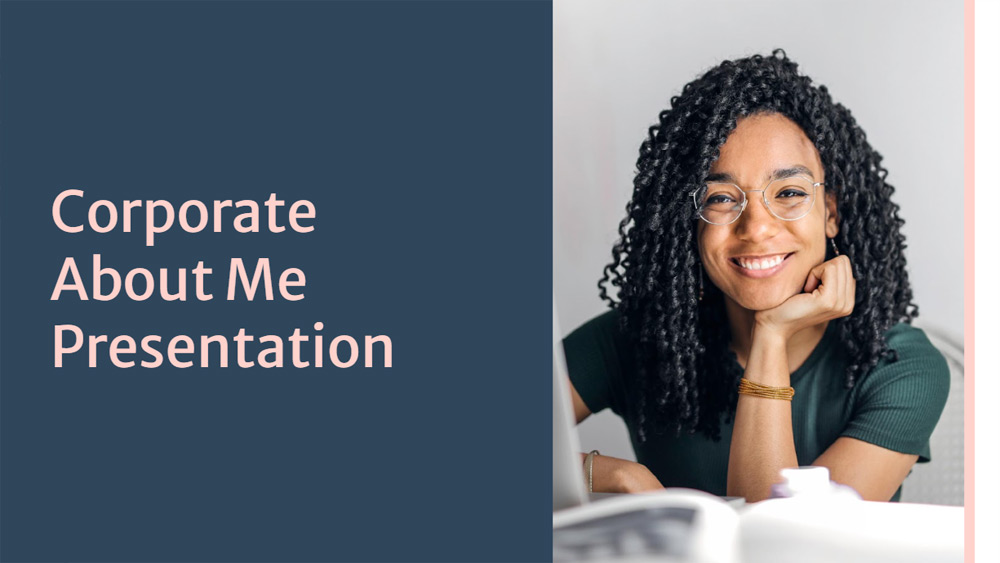
Looking for a PowerPoint or Google Slides about me template? Professional but with a personal touch, these dark blue and pink corporate about me slides can be easily customized to fit any industry or field. Simple yet classic, these slides come with prompts for timelines, charts, biographical information, fun facts and hobbies, topics and ideas, team member pages, inspirational quotes and statements, and much more. You can quickly substitute text and images on any of these slides, for example, to present your professional experience and dreams. Spruce things up with elements and icons from the resource page.
Download the PowerPoint template or Google Slides theme Corporate About Me free of charge. With this template you can create presentations formal, elegant. This theme includes the color blue, pink.
Features
- More than 25 slides to customize with your personal touch
- Collaboration and sharing features to work together
- Unique videos, music clips and other sound recordings
- Thousands of different backgrounds, graphics and shapes
- All the presentation tools you love from PowerPoint and Google Slides
- Classic animation and page transition features
- Easy to download, save or share with a few simple clicks