How to download the Nerissa template for Powerpoint
1. On this same page, scroll down to the download block until you see the buttons. 2. Click on the button below the presentation features that says 'Download Nerissa as a Free PowerPoint template'. 3. Once done it will start downloading a .pptx file that you can edit in PowerPoint. 4. If we do not have the powerpoint file we will direct you to the original source so you can download it. 5. If the fonts used in the template are not on your computer, you should download and install them for the template to display correctly. You can find the fonts in the original font link. 6.Source:slidescarnival.com
How to download the template Nerissa in Google Slides
1. Just like the powerpoint version, scroll to the bottom of the template features. 2. You can now click on the button that says 'Use Nerissa as a Google Slides theme'. 3. A new window will open with a larger preview. If you want to use the template, click the Use template button in the upper right corner. 4. A copy of the document will be added to your Google Drive account and you will be able to edit, add or delete slides.
Preview
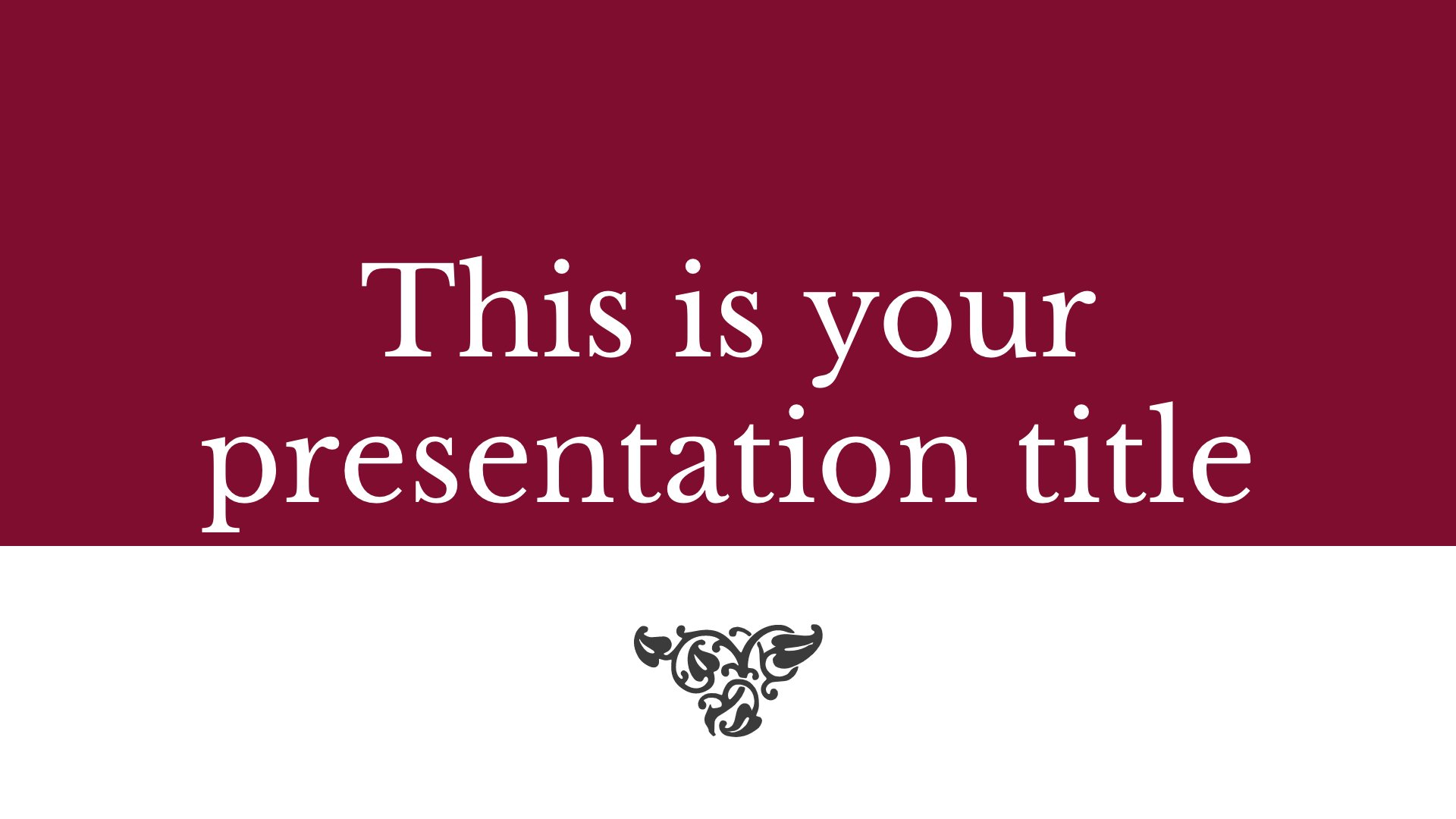
Nerissa is a classic and elegant free presentation template. The serif typography, sober colour and classic decorations make this design perfect for presentations on literature, history or law (the colour is also great for talking about wine production or wineries). You can adapt it to your corporate image by simply changing the background to your brand's primary color. Want a more modern look? Simply change the background color to a brighter one (bright blue, purple, fuchsia, etc.) and replace the decorations with icons.
Download the PowerPoint template or Google Slides theme Nerissa free of charge. With this template you can create presentations elegant. This theme includes the color red, white.
Features
- Totally editable. Easy to change colours, text and photos
- 25 different slides with tips to improve your presentation. Choose the designs that best suit your content. Add, delete, or reorder slide pages as needed
- Classic and elegant design with a wine colored background
- Feature-rich theme with sample styles for graphs, tables and charts
- Includes a customizable icon family with 80 different icons and a world map (you can change the size and colors). And more free icons and maps for your presentations available.
- Use it as a Google Slides theme or download it as a PowerPoint template and edit it on your computer. Also export to PDF, JPG, etc.
- 16:9 screen layout (You can switch to 4:3 with one click, but some graphic assets may not work well)