How to download the Coronavirus template for Powerpoint
1. On this same page, scroll down to the download block until you see the buttons. 2. Click on the button below the presentation features that says 'Download Coronavirus as a Free PowerPoint template'. 3. Once done it will start downloading a .pptx file that you can edit in PowerPoint. 4. If we do not have the powerpoint file we will direct you to the original source so you can download it. 5. If the fonts used in the template are not on your computer, you should download and install them for the template to display correctly. You can find the fonts in the original font link. 6.Source:slidehood.com
How to download the template Coronavirus in Google Slides
1. Just like the powerpoint version, scroll to the bottom of the template features. 2. You can now click on the button that says 'Use Coronavirus as a Google Slides theme'. 3. A new window will open with a larger preview. If you want to use the template, click the Use template button in the upper right corner. 4. A copy of the document will be added to your Google Drive account and you will be able to edit, add or delete slides.
Preview
The Covid-19 has become a global pandemic and the world's leading countries are still trying to develop their vaccine. In the current situation, many countries like China, Italy have been completely closed, other countries like Canada, Saudi Arabia, Germany and the USA have decided to close their borders due to the threat of the Coronavirus. It is predicted that other countries will soon follow in their footsteps. Schools, universities and offices will be the first to close operations. Almost all media are allowed, hospitals and other organizations are carrying out awareness campaigns, so that people can take precautionary measures against the Coronavirus (COVID-19)
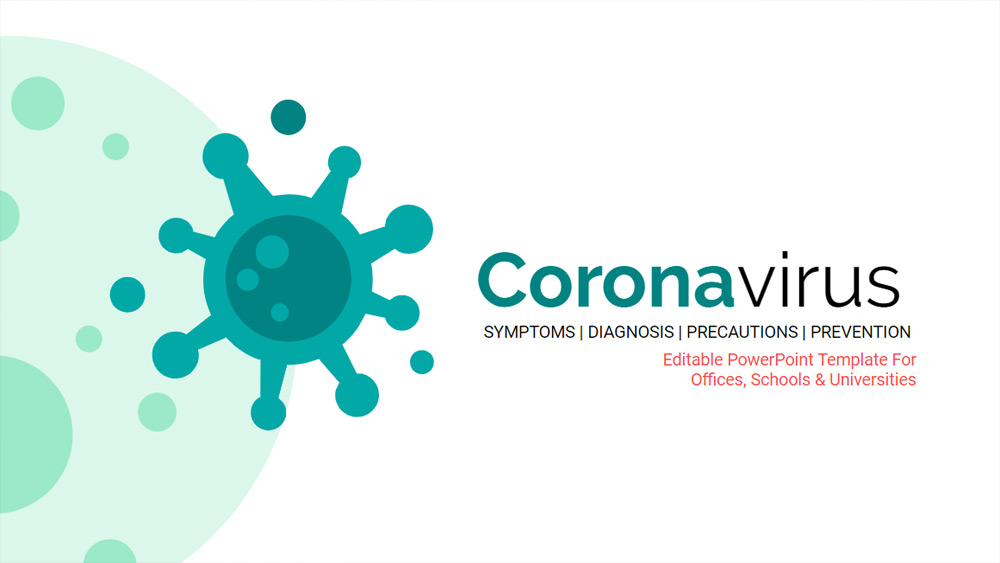
This presentation is designed to be used in offices and educational institutions as an awareness raising presentation. It is also a fully editable presentation template, so people can use it to update and add new information. All information related to the Coronavirus and statistics are completely authentic and up-to-date (data taken on March 16, 2020) and have been taken from the World Health Organization, the Centers for Disease Control and Prevention and the Worldometer.
Download the PowerPoint template or Google Slides theme Coronavirus free of charge. With this template you can create presentations educational. This theme includes the color green, white.
Features
- What is Coronavirus
- Symptoms of Coronavirus
- How does it spread?
- Do you know how you can protect yourself from the Coronavirus?
- How can you help protect others from COVID-19?
- Graphs of existing COVID-19 cases, recovery and death statistics
- The five countries with the highest number of IDOC cases and other country statistics
- World map with the number of cases in different countries, this map is fully editable so you can add more countries and other information
- A timeline of COVID-19, explaining how it started and what the current status is
- Links to the most important websites to keep up to date on COVID-19
- 16:9 aspect ratio screen layout, but you can change it to 4:3 but it will spoil some background graphics
- Convertible to PDF, PNG, or JPG formats for multimedia publishing and sharing on WhatsApp
- Use as free Google Slides templates or download as a PowerPoint template on your laptop, mobile or tablet