How to download the Stylish Botanical template for Powerpoint
1. On this same page, scroll down to the download block until you see the buttons. 2. Click on the button below the presentation features that says 'Download Stylish Botanical as a Free PowerPoint template'. 3. Once done it will start downloading a .pptx file that you can edit in PowerPoint. 4. If we do not have the powerpoint file we will direct you to the original source so you can download it. 5. If the fonts used in the template are not on your computer, you should download and install them for the template to display correctly. You can find the fonts in the original font link. 6.Source:slidescarnival.com
How to download the template Stylish Botanical in Google Slides
1. Just like the powerpoint version, scroll to the bottom of the template features. 2. You can now click on the button that says 'Use Stylish Botanical as a Google Slides theme'. 3. A new window will open with a larger preview. If you want to use the template, click the Use template button in the upper right corner. 4. A copy of the document will be added to your Google Drive account and you will be able to edit, add or delete slides.
Preview
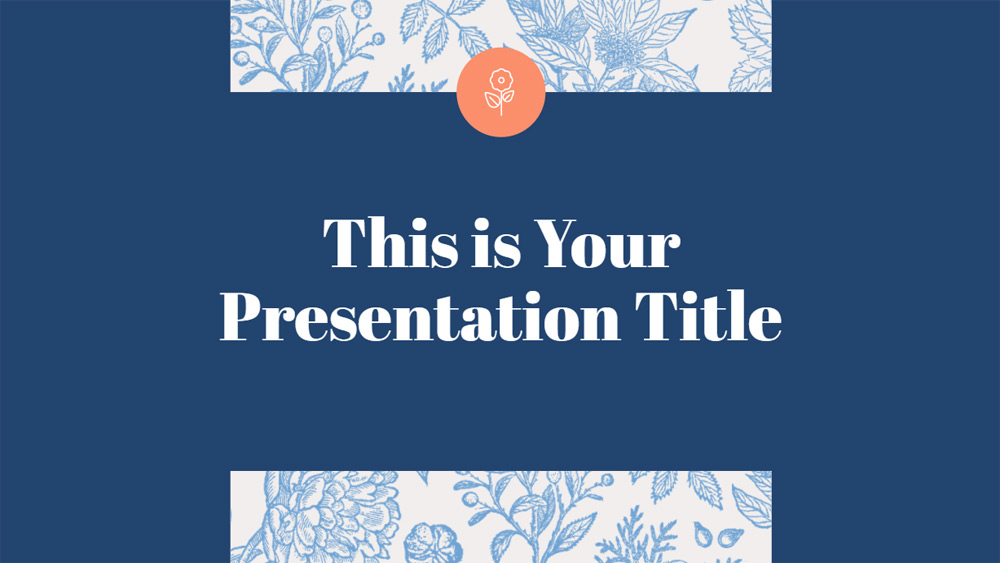
This free presentation template combines modern and elegant style. Botanical illustrations give an original touch to the design and make it fit very well with themes about organic food, cosmetics, nature and even weddings. This template is very easy to work with as the colors are fully customizable and it includes many graphic elements to enhance your content. Be sure to give it a try, you will be surprised by its versatility.
Download the PowerPoint template or Google Slides theme Stylish Botanical free of charge. With this template you can create presentations elegant. This theme includes the color blue.
Features
- Easy to edit and 100% customizable with your own content, images and colors
- 35 slides with different layouts, resources and tips
- Elegant design with serious colors and botanical illustrations
- With extra resources to make your content more visual: icons, graphs, maps and diagrams
- Includes specific slides for presenting projects, making a marketing plan or business plan
- 80 customizable icons are attached, and you can download additional free icons and maps ready for your presentations
- Designed to be used in both Microsoft PowerPoint and Google Slides, and can also be imported into Keynote
- 16:9 widescreen format suitable for all screens