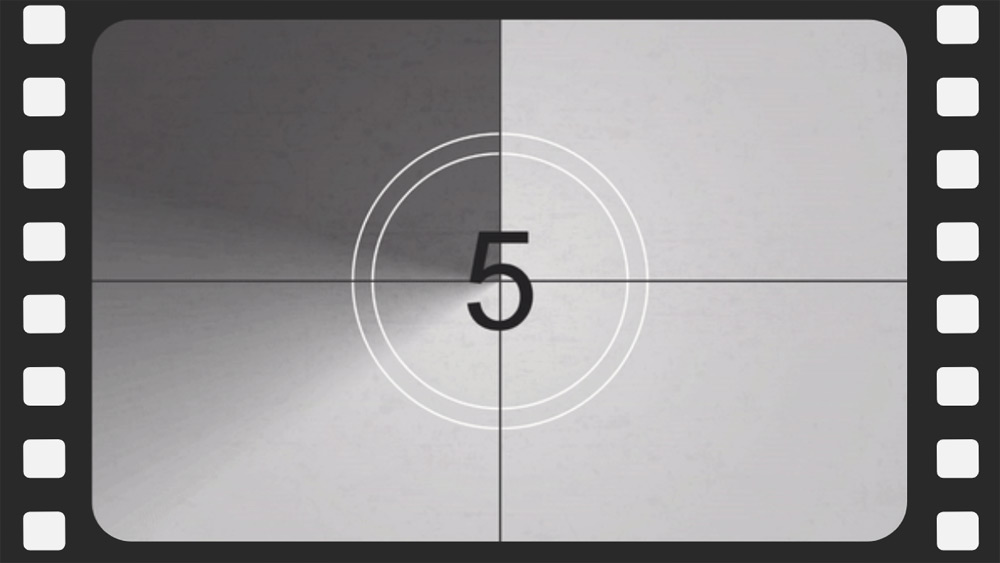
Classic film intro animated free template
如何下载用于Powerpoint的模板Classic film intro animated free template
1. 在同一页上,向下滚动到下载区,直到你看到按钮。
2. 点击演示功能下面的按钮,说'下载Classic film intro animated free template作为一个免费的PowerPoint模板'。
3. 一旦你这样做了,它将开始下载一个.pptx文件,你可以在PowerPoint中编辑。
4. 如果我们没有powerpoint文件,我们将引导你到原始来源,这样你就可以下载它。
5. 如果模板中使用的字体不在你的电脑上,你应该下载并安装它们,以便模板能正确显示。你可以在原始字体链接中找到这些字体。
6. 源头: slidesmania.com
如何在谷歌幻灯片中下载模板Classic film intro animated free template
1. 就像powerpoint版本一样,向下滚动到模板功能的底部。
2. 你现在可以点击 '使用Classic film intro animated free template作为谷歌幻灯片主题 '的按钮。
3. 一个新的窗口将打开,有一个更大的预览。如果你想使用该模板,请点击右上角的使用模板按钮。
4. 文件的副本将被添加到你的Google Drive账户,你将能够编辑、添加或删除幻灯片。
预览
构建一个看起来像经典电影介绍的演示文稿,并将计时器设置为零! - 使用这个免费的 Google 幻灯片和 PowerPoint 模板。 这种设计采用经典的电影卷轴印刷和滴答作响的计时器,非常适合为您的演示文稿增添一丝感伤。 它易于使用且完全可调,因此您可以根据自己的需要进行调整。 立即获取并开始构建!
下载 PowerPoint模板或Google Slides主题 Classic film intro animated free template 免费. 有了这个模板,你可以创建演示文稿 创意, 有趣的是. 这个主题包括颜色 白色, 黑色.
特征
- 100% 可编辑且易于修改
- 20张不同的幻灯片
- 专为在 Google Slides 和 Microsoft PowerPoint 中使用而设计
- 16:9 宽屏格式适合所有类型的显示器
- 包含可编辑的图表和地图
Download
使用 Classic film intro animated free template 作为你的谷歌幻灯片主题--免费的
下载 Classic film intro animated free template 作为PowerPoint模板-免费